
EBSU O’Level Upload: Why It Is Important After Post UTME Registration
Follow Studentsdash
Get the latest admission updates, school news, NELFUND information, scholarships and important announcements directly on Telegram and WhatsApp.
Stay connected so you don’t miss important student updates.
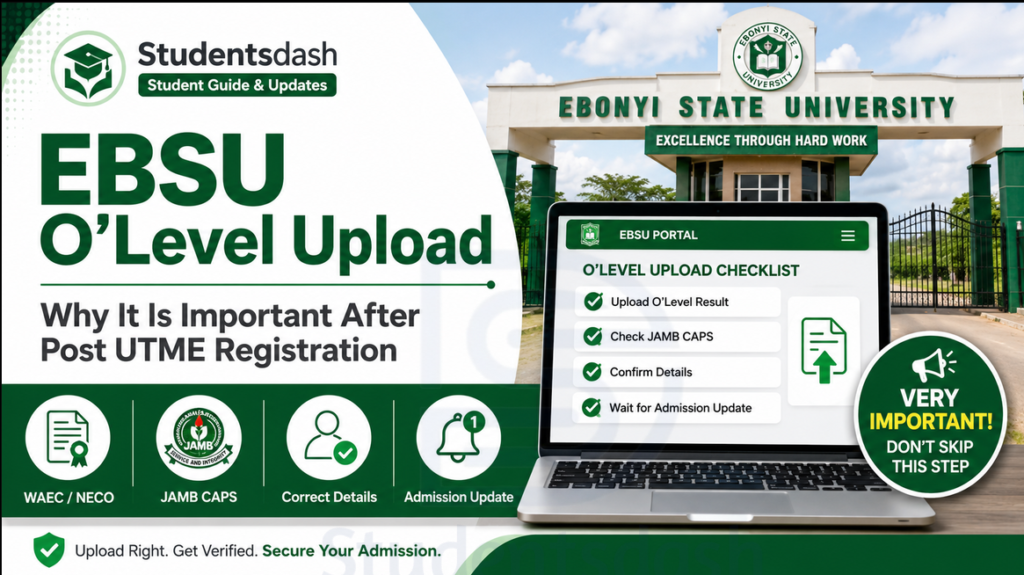
Many EBSU aspirants believe that once they buy the EBSU Post UTME form and submit their details online, everything is complete.
But that is not always true.
One very important thing every candidate must take seriously is O’Level upload.
Your WAEC, NECO, NABTEB, or combined O’Level result is very important in the admission process. If your O’Level result is not uploaded properly, it can affect your chances of getting admission, even if you scored above your departmental cut-off mark.
So if you have registered for EBSU Post UTME 2026/2027, this article will explain why O’Level upload is important, where you should upload it, and what you should do after registration.
If you need help understanding EBSU Post UTME, O’Level upload, JAMB CAPS, or admission updates, you can contact Studentsdash through t.me/studentsdash or call/message 07075012541.
What Is O’Level Upload?
O’Level upload means submitting your WAEC, NECO, NABTEB, or combined result to the required admission portal.
This result is used to confirm that you have the correct subject combination for the course you want to study.
For example, a candidate applying for Medicine, Nursing, Law, Computer Science, Mass Communication, or any other course must have the correct O’Level subjects required for that department.
If your O’Level result is not uploaded, the school or JAMB may not be able to confirm your qualification for admission.
That is why every EBSU aspirant should take O’Level upload seriously.
Where Should EBSU Candidates Upload Their O’Level Result?
For EBSU admission, candidates should make sure their O’Level result is uploaded in the right places.
The first place is the EBSU Post UTME portal.
When filling your EBSU Post UTME form, you may be required to enter or upload your O’Level details. Make sure the result you submit is correct and matches your real result.
The second place is the JAMB portal.
This one is very important because your admission will also pass through JAMB CAPS. If your O’Level result is not uploaded on JAMB CAPS, your admission may be delayed or affected.
So do not only focus on the EBSU portal. Make sure your O’Level result is also uploaded on the JAMB portal.
If you are not sure whether your O’Level result has been uploaded correctly, you can visit a trusted CBT centre or ask Studentsdash for guidance through t.me/studentsdash or 07075012541.
Why O’Level Upload Is Very Important
Your O’Level result helps the school confirm that you are qualified for your chosen course.
Even if your JAMB score is good, your O’Level result still matters.
For example, if your course requires English Language, Mathematics, Biology, Chemistry, and Physics, but your uploaded result does not show the correct subjects, it can affect your admission.
Also, if your result is not uploaded at all, your admission status may not move forward properly.
This is why some candidates may keep seeing Not Admitted on JAMB CAPS even when they believe they are qualified.
Sometimes, the problem may not be the JAMB score. It may be that the candidate’s O’Level result has not been uploaded properly.
Can I Use Awaiting Result for EBSU Admission?
Some candidates may want to know if they can use awaiting result.
If you are using awaiting result, you need to make sure that once the result is released, it is uploaded immediately.
Do not leave it until admission has already started.
If your result is not available or not uploaded when the school is processing admission, it may affect you.
So if you used awaiting result during registration, keep checking and make sure you upload the result as soon as it is released.
How to Know If Your O’Level Result Has Been Uploaded on JAMB
To confirm your O’Level upload, you can visit a JAMB CBT centre and ask them to check it for you.
You can also log in to your JAMB profile if you know how to check it properly.
But if you are not sure, do not guess. It is better to go to a trusted CBT centre so they can confirm whether your O’Level result is showing on JAMB CAPS.
If your result is not uploaded, ask them to upload it immediately.
If you need help understanding what to do, Studentsdash can guide you. Join t.me/studentsdash or call/message 07075012541.
Common O’Level Mistakes Candidates Should Avoid
Many candidates make simple mistakes during O’Level upload, and these mistakes can affect admission.
Here are some mistakes to avoid:
Do not upload the wrong result.
Do not use another person’s result.
Do not enter wrong grades.
Do not forget to upload your result on JAMB CAPS.
Do not assume your result is uploaded without confirming.
Do not use a wrong exam year.
Do not mix up WAEC and NECO details.
Do not wait until admission list is out before checking your O’Level upload.
Before admission starts fully, make sure everything is correct.
What If I Am Combining WAEC and NECO?
If you are using two sittings, like WAEC and NECO, make sure both results are uploaded correctly.
Do not upload only one and forget the other.
If your course accepts two sittings, then your combined result must show the required subjects and grades.
For example, if your English is in WAEC and your Mathematics is in NECO, both results must be properly uploaded and arranged.
If you are confused about how to combine your result, ask for help before submitting anything.
Does O’Level Upload Guarantee Admission?
No.
Uploading your O’Level result does not automatically guarantee admission.
But it is one of the important things needed for admission processing.
To stand a better chance, you need to have:
A good JAMB score
Correct O’Level result
Correct subject combination
Correct course choice
Completed EBSU Post UTME registration
O’Level uploaded on JAMB CAPS
Correct details on the EBSU portal
If all these things are in order, then you have done your own part and can wait for admission updates.
What Should You Do After Uploading Your O’Level?
After uploading your O’Level result, do not just relax completely.
You should continue checking for admission updates.
Monitor your JAMB CAPS.
Watch out for EBSU admission list.
Keep your phone number and email active.
Make sure you can access your JAMB profile.
Also, follow trusted update channels so you do not miss important information.
You can join Studentsdash on Telegram through t.me/studentsdash for EBSU admission updates.
Final Advice
If you are an EBSU aspirant, do not joke with your O’Level upload.
Buying the EBSU Post UTME form is important, but uploading your O’Level result correctly is also very important.
Make sure your result is uploaded on the EBSU portal and also on the JAMB portal.
If you are using WAEC, NECO, NABTEB, or two sittings, confirm that the details are correct.
Do not wait until admission list is out before you start checking your O’Level upload.
If you need help with EBSU Post UTME, O’Level upload, JAMB CAPS, admission updates, or course guidance, contact Studentsdash through:
Website: https://studentsdash.com/how-to-register-for-ebsu-post-utme/
Telegram: t.me/studentsdash
Phone/WhatsApp: 07075012541
Studentsdash is available to help EBSU aspirants stay updated and avoid mistakes during the admission process.
Follow Studentsdash
Get the latest admission updates, school news, NELFUND information, scholarships and important announcements directly on Telegram and WhatsApp.
Stay connected so you don’t miss important student updates.


