
EBSU Post UTME Payment Successful But Form Not Completed? Meaning and What To Do
Follow Studentsdash
Get the latest admission updates, school news, NELFUND information, scholarships and important announcements directly on Telegram and WhatsApp.
Stay connected so you don’t miss important student updates.
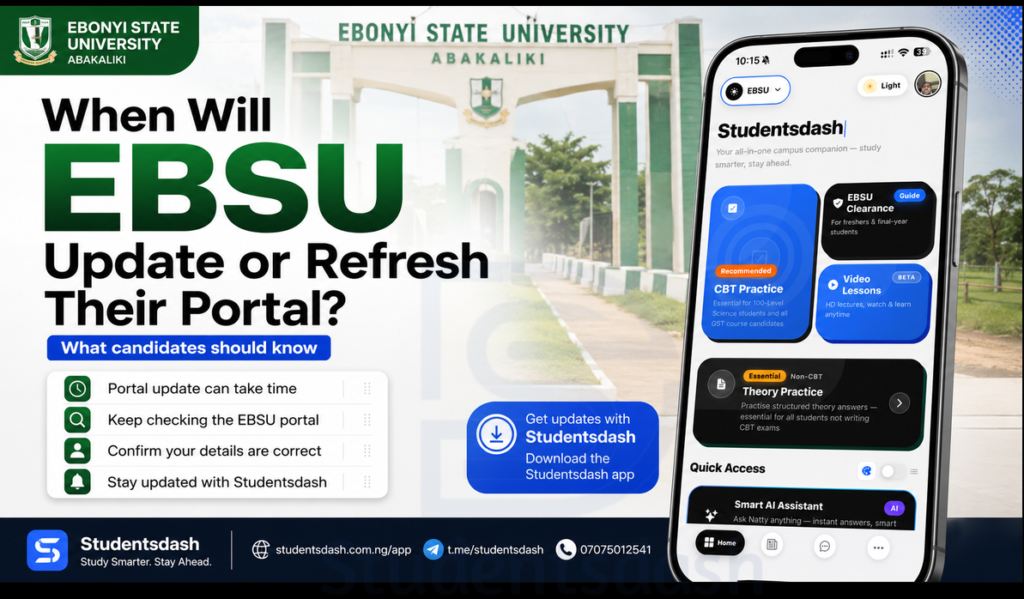
Some EBSU candidates may face this problem while trying to register for EBSU Post UTME 2026/2027.
You make payment for the Post UTME form, the money leaves your account, but when you return to the portal, the form is not completed or the payment is not reflecting.
This can be very stressful, especially when you are scared that the portal may close or that your money has gone.
If this happens to you, do not panic immediately.
Sometimes, online payment may take some time to reflect because of network issues, bank delay, Remita/payment gateway delay, or portal traffic.
This article will explain what you should do if your EBSU Post UTME payment is successful but your registration is not completed.
To stay updated on EBSU Post UTME, portal issues, admission updates, JAMB CAPS, and freshers’ guides, download the Studentsdash app here:
Why Payment May Not Reflect Immediately
Online payment does not always reflect instantly.
Sometimes, the money may leave your account, but the portal may not update immediately.
This can happen because of:
Poor network
Bank delay
Payment gateway delay
Portal traffic
Incomplete payment confirmation
Trying to refresh the page too quickly
So if your money has been deducted but the form is not showing as paid, calm down first and confirm properly.
Do Not Pay Again Immediately
This is very important.
If your money has been deducted, do not rush to pay again immediately.
Many candidates make this mistake because they are afraid.
They pay once, the payment does not reflect immediately, then they pay again. Later, both payments may reflect or they start looking for how to recover the extra money.
Before paying again, first check your payment status properly.
Keep Your Payment Evidence Safe
After making payment, keep your evidence safe.
This can include:
Payment receipt
Transaction reference
Remita reference number
Bank debit alert
Payment screenshot
Invoice number
Date and time of payment
Do not delete your screenshot.
Do not throw away your receipt.
If there is any issue later, your payment evidence will help you explain what happened.
Return to the Portal and Check Again
After payment, return to the EBSU Post UTME portal and check if the payment has reflected.
If it has not reflected, wait for some time and try again.
Sometimes, payment may take a few minutes or longer to update.
Do not keep clicking different things randomly.
Do not close everything without saving your details.
Make Sure You Used the Correct Invoice
Before making any payment, candidates are usually expected to generate an invoice.
If you paid with the wrong invoice or used another person’s invoice, it can cause problems.
Your payment should be connected to your own JAMB registration number and your own application.
So if payment is not reflecting, check if the invoice details were correct.
Check That Your JAMB Registration Number Is Correct
Your JAMB registration number is very important during Post UTME registration.
If the wrong JAMB registration number was entered while generating invoice or making payment, the payment may not connect properly to your own application.
Before panicking, check your details again.
Make sure your JAMB registration number, name, and session are correct.
Do Not Use Random Links
Do not use payment links from random people.
Do not pay into personal accounts.
Do not use any link that does not look official.
During admission season, many fake links may be shared online.
If you are not sure of the correct portal or payment process, ask questions first.
It is better to be careful than to lose money.
What To Do If Payment Was Deducted But Not Reflecting
If your payment was deducted but not reflecting, here are simple things to do:
Wait for some time and check again.
Do not pay again immediately.
Keep your payment receipt and transaction reference.
Check that your invoice was correct.
Confirm that your JAMB registration number was entered correctly.
Use a stable network.
Try checking again with another browser or device.
Ask for help from a trusted cyber cafe or CBT centre if needed.
Do not panic or start giving money to random people.
What If Someone at a Cyber Cafe Helped You Pay?
If you registered at a cyber cafe, ask them for your payment evidence.
Do not leave without collecting your receipt or screenshot.
Also, make sure they complete the form after payment reflects.
Some candidates make payment and leave, thinking everything is done. But payment alone is not enough.
After payment, you still need to complete and submit the form.
Payment Alone Is Not Registration
This is one mistake many candidates make.
Paying for the Post UTME form does not mean your registration is complete.
After payment, you must return to the portal, fill in your details, upload or enter the required information, and submit the form.
If you only paid and did not submit the form, your registration may not be complete.
So after payment reflects, make sure the form is completed properly.
Print or Save Your Registration Slip
After completing your registration, save or print your registration slip.
This is your proof that the form was submitted.
Do not depend only on what someone told you.
Ask for your slip.
Save a copy on your phone.
Print a copy if possible.
You may need it later.
Avoid Fake Payment Helpers
Some people may claim they can help your payment reflect faster if you pay them.
Be careful.
Do not give money to random people.
Do not give your JAMB details or portal details to people you do not trust.
If there is a real payment issue, use the proper support process or ask trusted people for guidance.
Use Studentsdash App To Stay Updated
Portal issues can be confusing, especially when many candidates are registering at the same time.
To stay updated on EBSU Post UTME, payment issues, portal refresh, admission updates, JAMB CAPS, and freshers’ guides, download the Studentsdash app here:
You can also use the app to follow simple guides that explain what candidates should do during the admission process.
Important Things To Remember
Do not panic if payment does not reflect immediately.
Do not pay again immediately after deduction.
Keep your payment evidence safe.
Confirm your invoice and JAMB registration number.
Payment alone is not registration.
Return to the portal and complete the form.
Print or save your registration slip.
Avoid fake agents and random links.
Follow trusted updates.
Final Advice
If your EBSU Post UTME payment is successful but your form is not completed, stay calm.
First, confirm your payment evidence, check your invoice, wait for the portal to update, and return to complete the registration once payment reflects.
Do not pay again immediately.
Do not use fake links.
Do not trust random people with your details.
For EBSU Post UTME updates, portal payment issues, admission guides, JAMB CAPS tips, and freshers’ information, download the Studentsdash app here:
You can also join Studentsdash on Telegram through t.me/studentsdash or call/message 07075012541 for questions and guidance.
Studentsdash is available to help EBSU aspirants stay updated and avoid mistakes during the admission process.
Follow Studentsdash
Get the latest admission updates, school news, NELFUND information, scholarships and important announcements directly on Telegram and WhatsApp.
Stay connected so you don’t miss important student updates.


